💡 Before you begin
Program editing takes place in the Builder tab. If you plan to edit a PLT4M program, you must first create a copy.
To add a question:
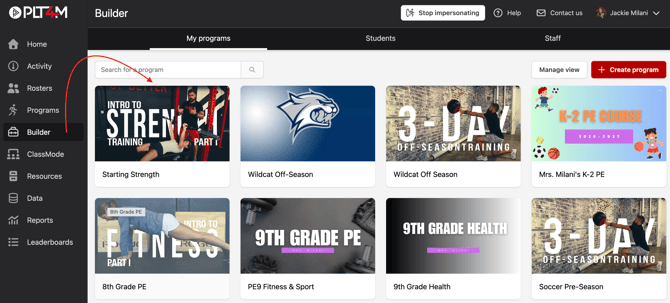
- Navigate to the Builder tab and select a program
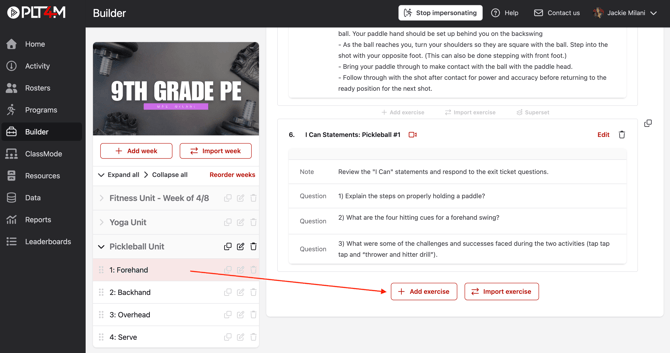
- Click into a workout or lesson
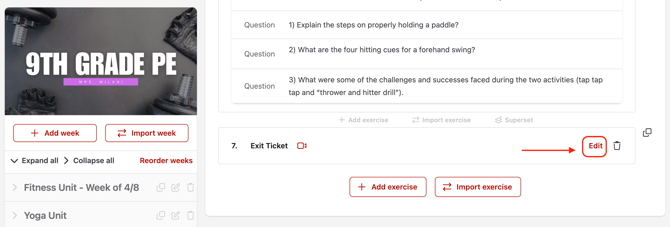
- Choose Add exercise, or click Edit to add a question to an existing exercise
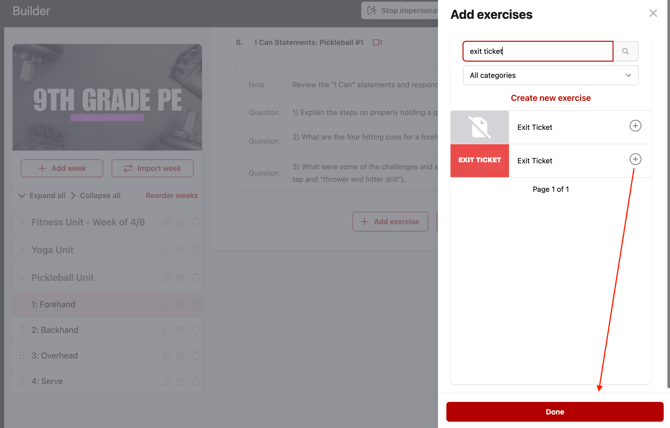
- Search and select an exercise, then click Done
- Choose Edit on the exercise
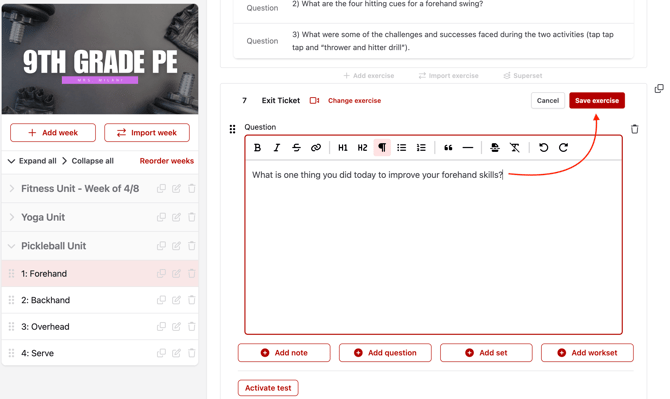
- Choose Add question
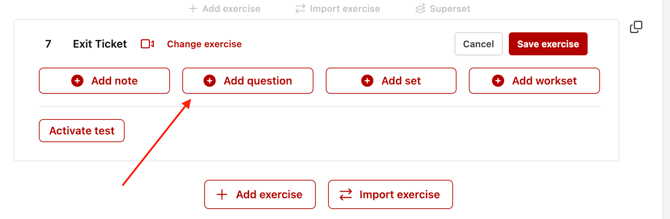
- Enter your question, and click Save exercise