
💡 Please Note:
PLT4M workouts are intended for digital use. When workouts are printed, students lose access to instructional content as well as logging and tracking features.
A program must be assigned to a group in order to print the workouts.
To print a workout:
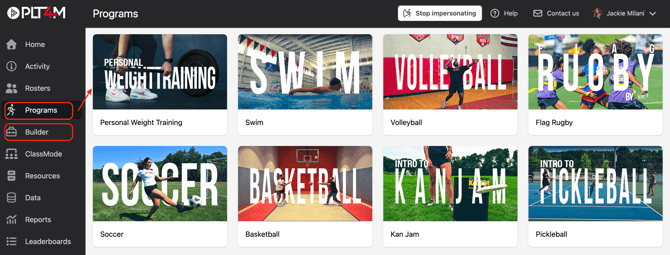
- Navigate to the Programs tab or the Builder tab (for custom programs) and select a program
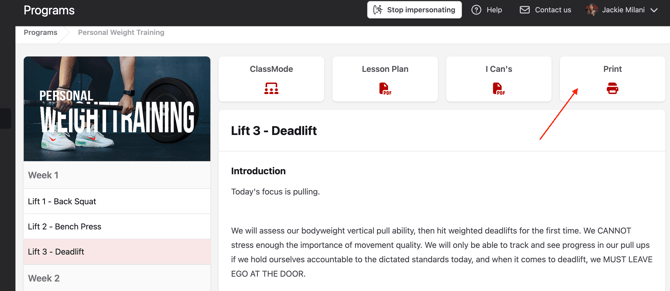
- Click into the workout you wish to print
- Choose Print
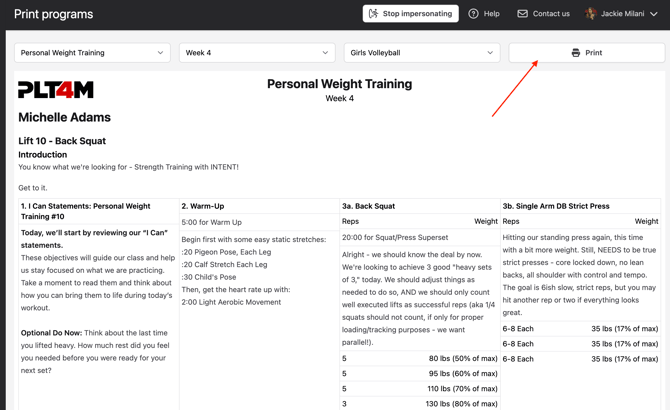
- Use the dropdown menus to select a week and a group

- Click Print. This will print a week of workouts for the selected group.
Pro Tip: Consider adjusting the margins in your computer's print settings to fit more workouts on each page.