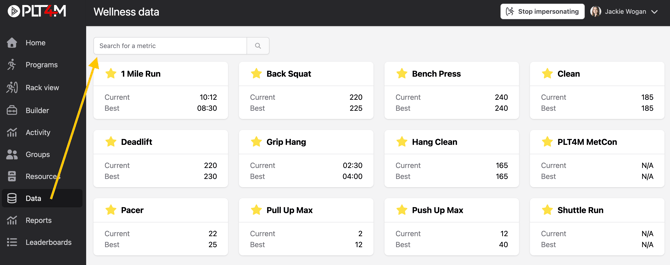
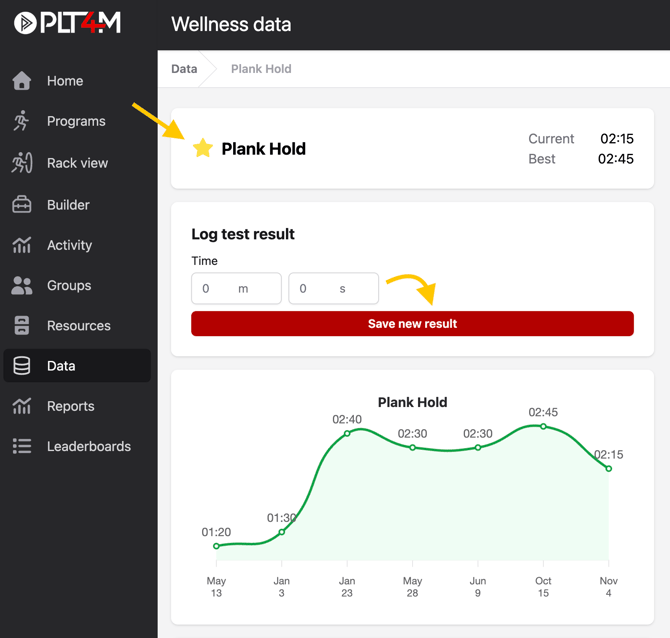
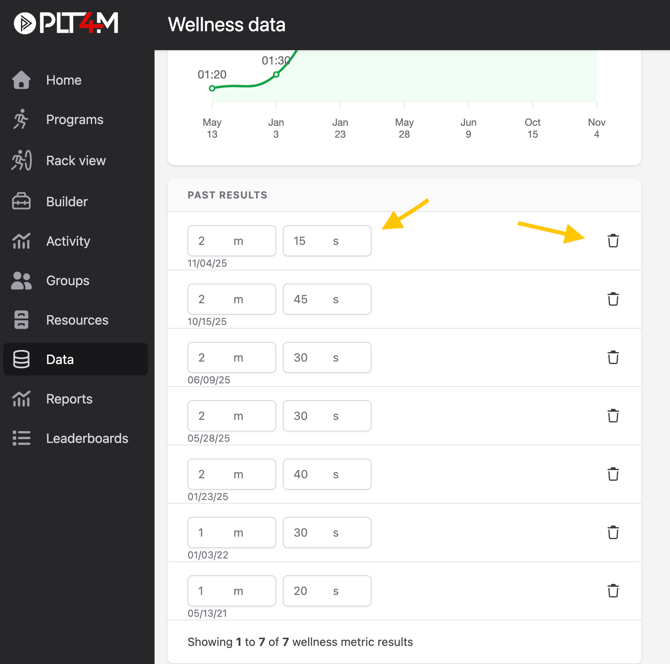
April 28, 2026 Configure Your Data Dashboard Enter test results and monitor your progress To enter results: Navigate to your Data tab Search and select a metric Choose the ⭐ to favorite the metric and add it to your data dashboard Enter a result in the box and choose Save new result You may view past results and edit or delete them