
To log an Exercise Note:
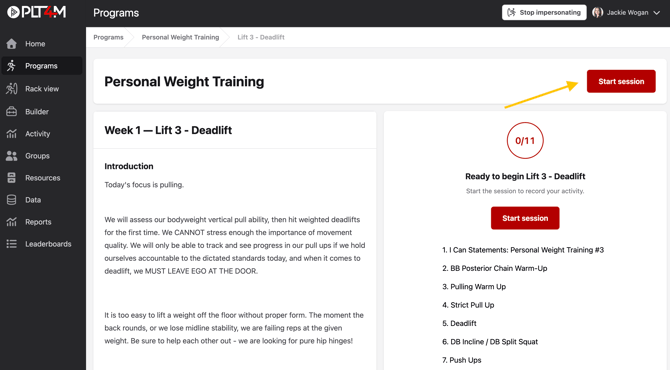
- Navigate to your Program tab and begin a session
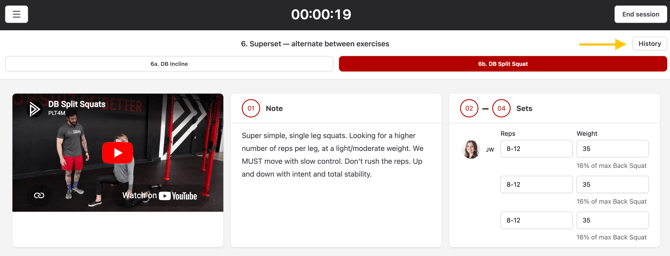
- Click the History button for any exercise
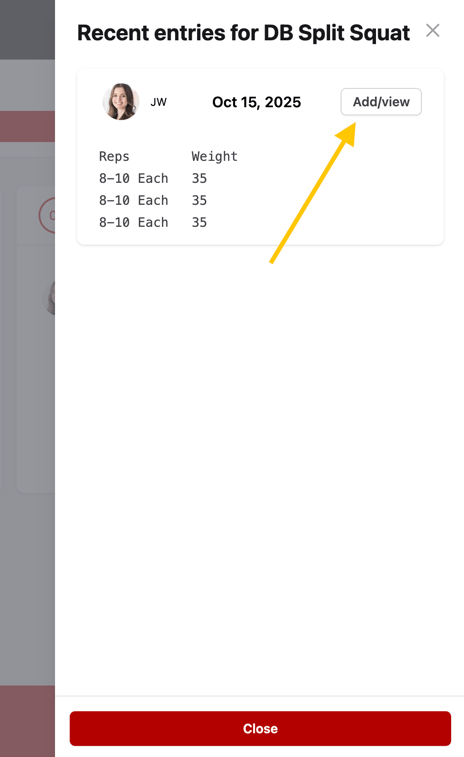
- Choose Add/view
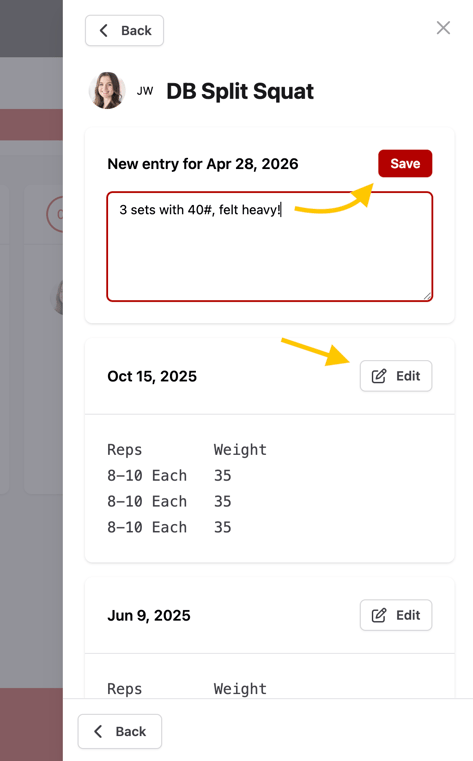
- Enter a new note, or edit a previous note
- Click Save
How do I use exercise notes?
Many students use exercise notes to record weights used, scaling modifications, or other key details they want to remember.
Exercise notes stay attached to the exercise and can be referenced anytime it appears in a program. Teachers and coaches can also view any notes logged by students.