
To log weights during a workout:
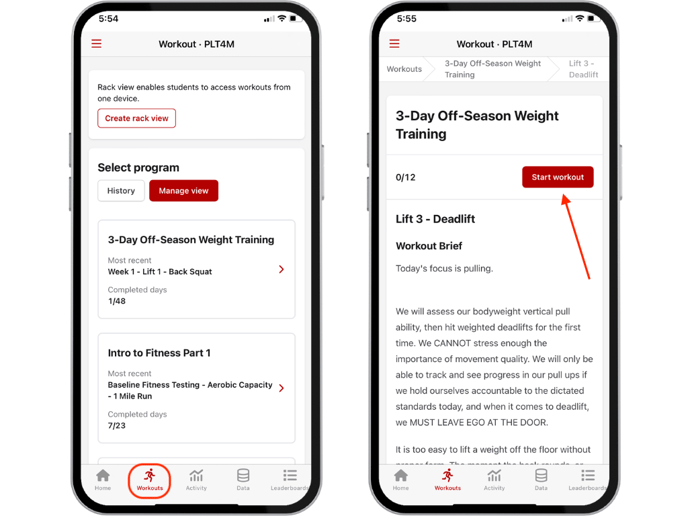
- The student navigates to their Workout tab
- Select the desired program/workout, and click Start Workout
- For weighted exercises, students will see their prescribed reps and weights for each set. The student will be prompted to click Done to indicate that they've completed the sets, or, if they need to edit the weight log, they may type over the text in the cell.
- If reps or weights have not been prescribed, the student will see a blank cell where they can input their reps and/or weights.
-3.png?width=688&height=516&name=Untitled%20design%20(1)-3.png)
- Once the exercise is marked Done, this creates a weight log. The student may click the Notes button anytime to view or update their weight log.
-2.png?width=688&height=516&name=Untitled%20design%20(2)-2.png)
Please note: The notes stay attached to each exercise, so anytime the student clicks the Note button, they can reference any past entries made for that exercise.