To change profile or background image:
- Hover over your profile avatar and select Edit profile
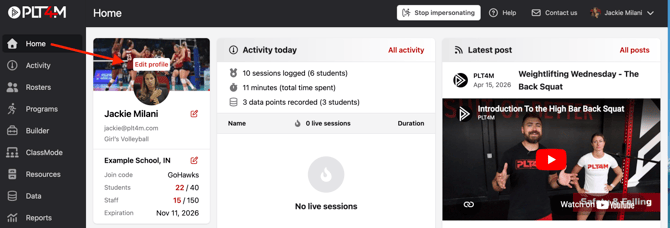
- Use the Choose File option to browse and upload an image from your computer
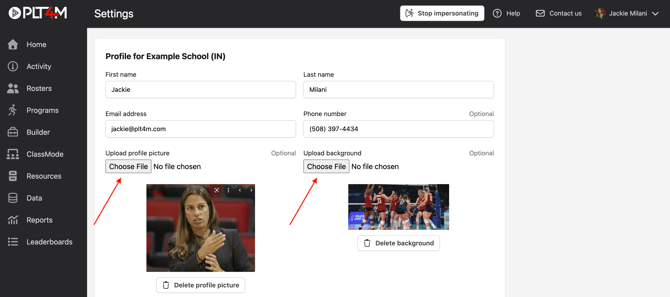
- Click Save Profile
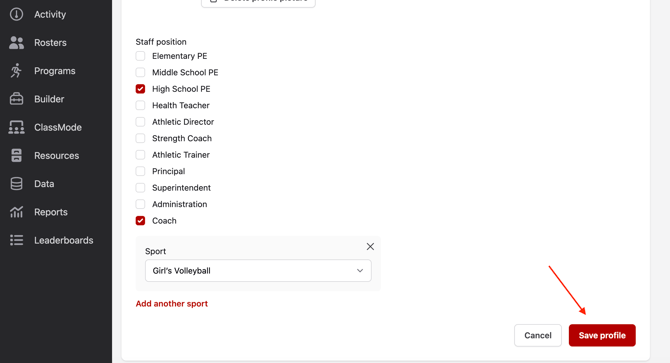
To edit your Staff Position:
- Hover over your profile avatar and select Edit profile
-
Select your role(s), and click Save profile