To create a saved view:
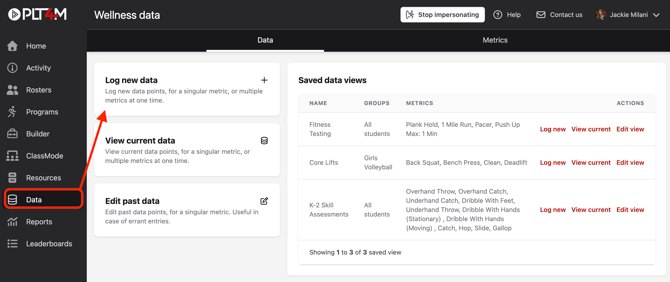
- Navigate to your Data tab
- Click Log new data
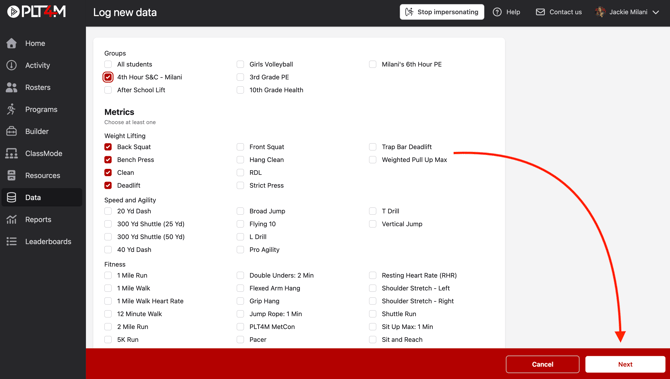
- Select the desired group(s) and metric(s) for your saved view and click Next
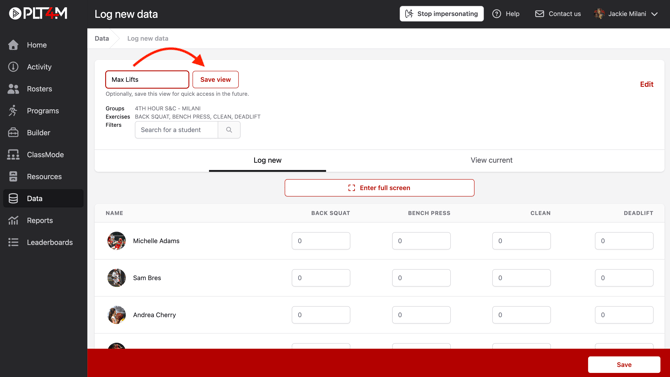
- Name your saved view and click Save view
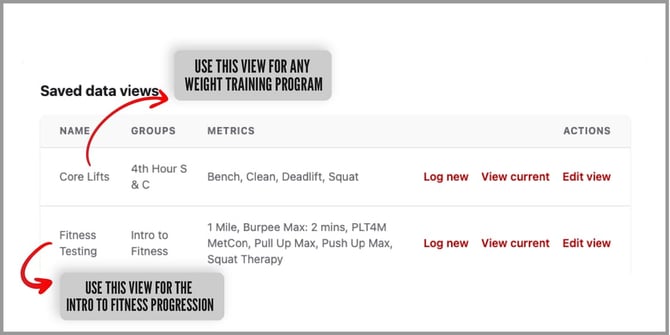
- Access your saved view anytime via your Data tab. Click Log new to record new results, and View current to view the recently logged results.
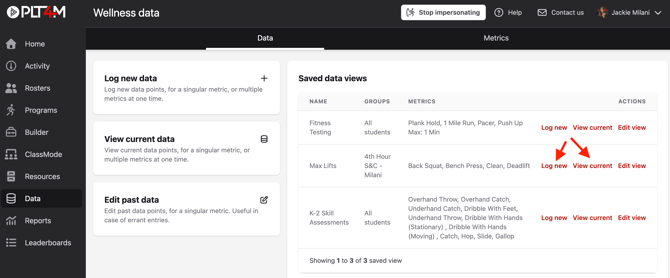
Example Saved views: