- Download the PLT4M Scope & Sequence
This guide contains an overview of every program, along with our scope and sequence, and optional progressions. - Within your PLT4M account, you can also get more details on each program:
- Navigate to the Programs page
- Use the tabs across the top to browse a specific category
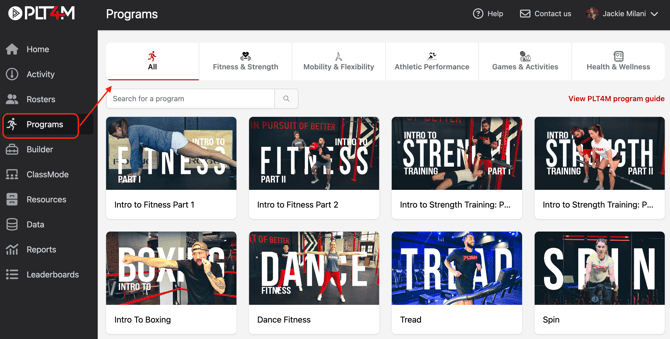
- Click the program card of any program you are interested in
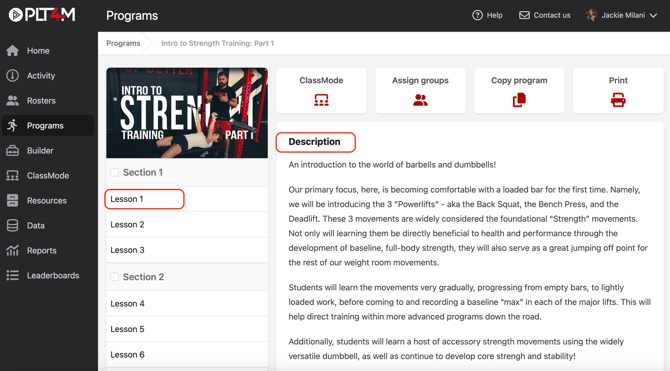
- You will land on a full program description including # of workouts or lessons, lesson duration, workout format, intended audience, equipment required, and any included assessments
- Click into a section on the side navigation bar to view a lesson or workout