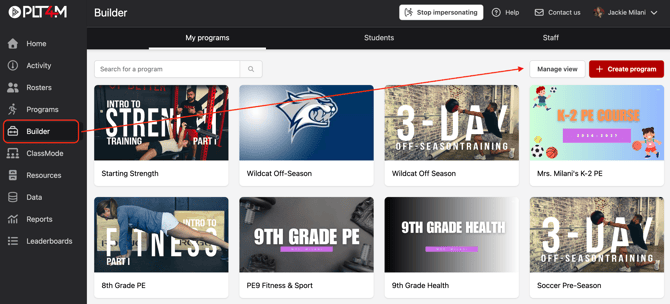
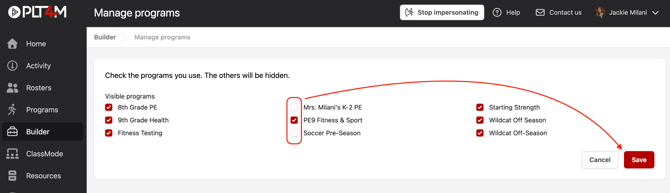
April 24, 2026 Manage Program View Manage your program view to hide programs you don’t want to display without deleting them. To manage program view: Navigate to the Builder tab and select Manage view Deselect any programs you wish to hide from your Builder program library Click Save