💡 Before you begin
Program editing takes place in the Builder tab. If you plan to edit a PLT4M program, you must first create a copy.
To Reorder Weeks:
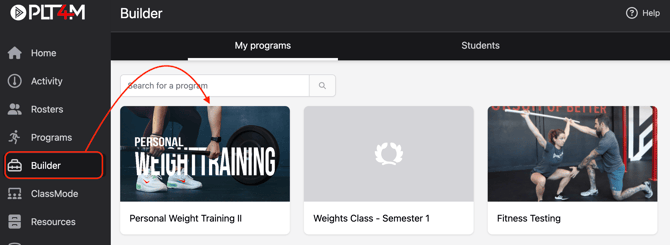
- Navigate to the Builder tab and select a program
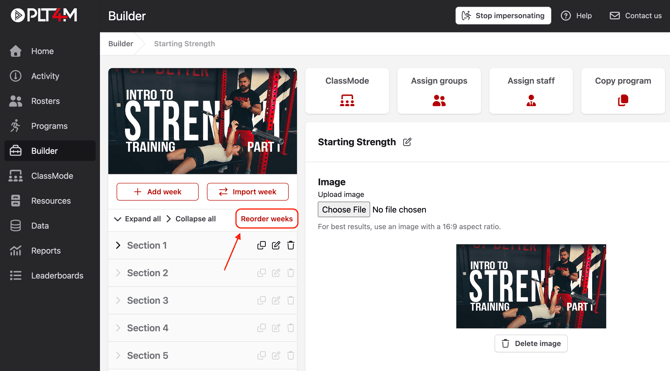
- Select Reorder Weeks
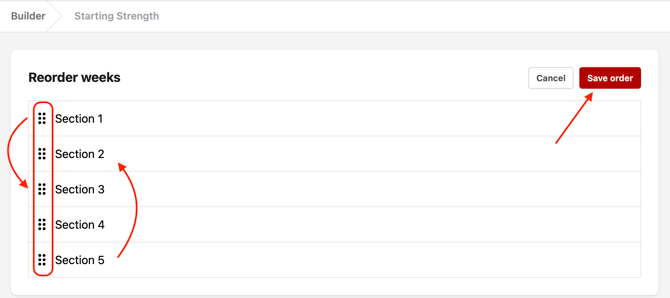
- Drag and drop weeks into your preferred order
- Click Save order
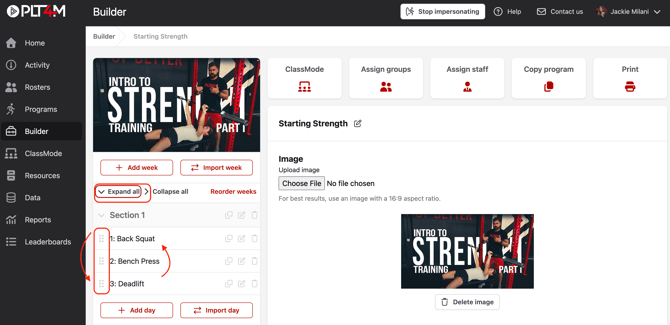
To Reorder Days:
- Navigate to the Builder tab and select a program
- Choose Expand all to view the days
- Drag and drop workout days into your desired order
- Changes will be automatically saved