
Lesson Preview shows you how a lesson will look in ClassMode or in Student view. It’s especially useful when you’re building custom lessons and want to check the layout before your class sees it.
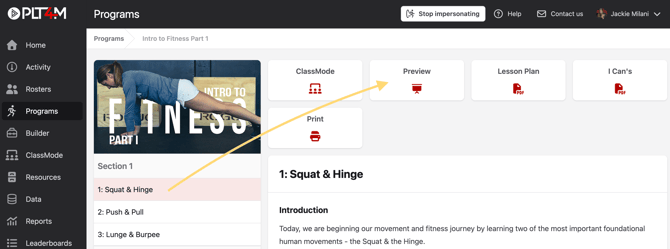
- Go to the lesson you want to preview and select Preview.
- Use the toggle to switch between ClassMode and Student view.
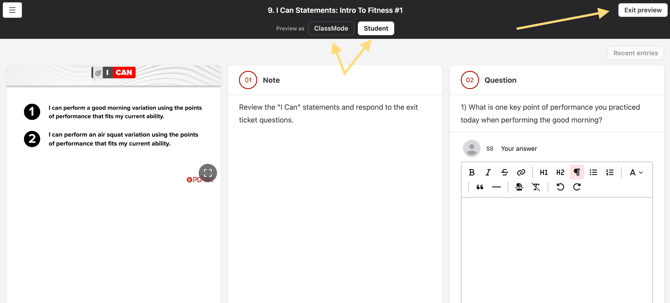
- When you’re done, click Exit Preview.