
To Add a Test to your Program:
- Navigate to your Builder tab and select or create a program
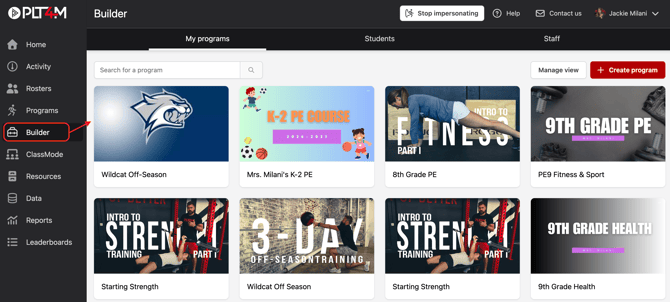
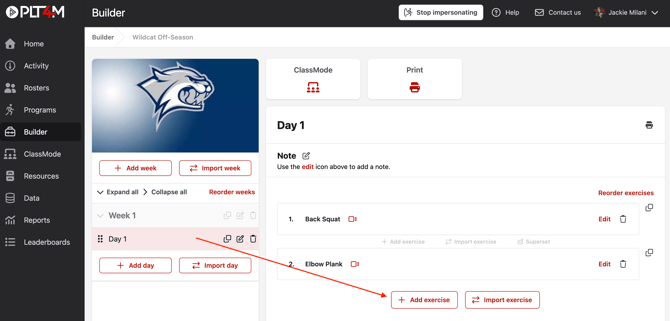
- Select the week and day where you want to insert a test
- Click Add exercise
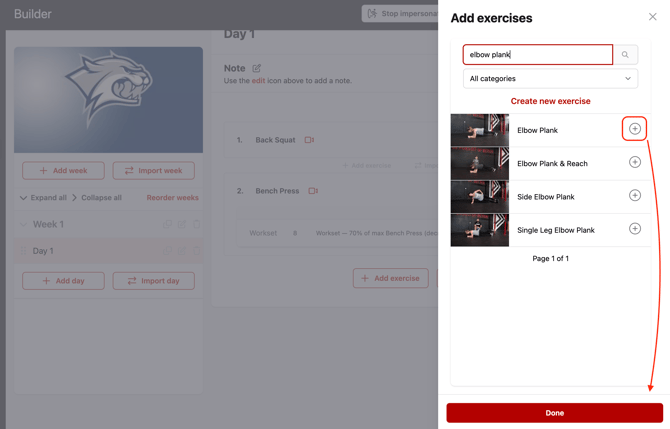
- Search and select an exercise that will correspond with your test.
- Click Done
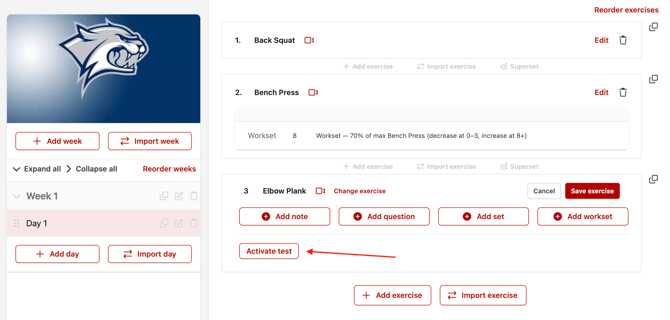
- Choose Edit on the exercise
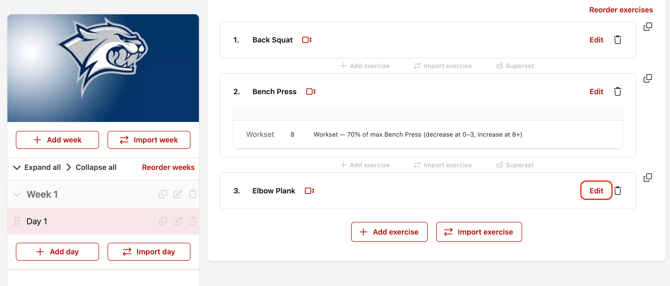
- Choose Activate test
- Use the search bar to select the corresponding test result
Optional: Use + Add note and + Add set to add your instruction and provide more context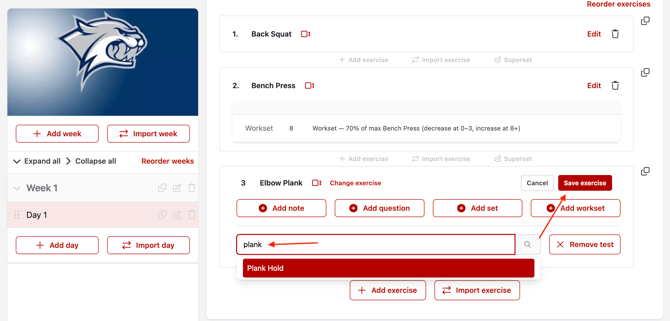
- Click Save exercise
Please Note:
▶️ If you don't see an exercise that corresponds with your Test, you may add a custom exercise.
📈 If you don't see the test you're looking for, add a custom test.