
- Navigate to the login page: https://app.plt4m.com/sign_in
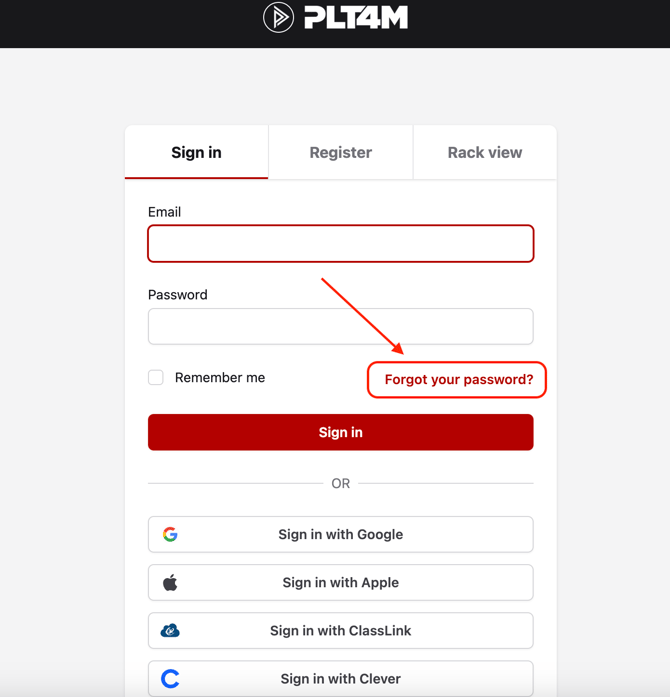
- Select Forgot your password?
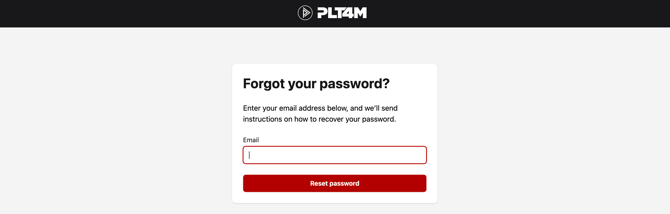
- Enter your email and click Reset Password
-
PLT4M will send you an email with instructions to reset your password.
Please note: If a student is not receiving the password reset email, verify that their email is correctly entered in PLT4M and edit the student emails if necessary.
Password Reset Troubleshooting:
- Verify that your email is entered correctly in PLT4M (no typo's), by having a staff member check the Roster tab
- If the email is correct in PLT4M, then you should be able to request a password reset email
- If the email is incorrect, staff members can edit the email and then the user can request another password reset email
- If the email is correct, but you are still not receiving the reset email, you can:
- Have a staff member send you your unique password reset link following these steps
- Make sure you've added PLT4M to your school's "safe sender list/whitelist" following these steps
- In a pinch, students can use Rack View to access their workouts without having to login
Still having trouble? Reach out to support@plt4m.com for help!